WhatsApp Automation: The Customer Service Channel You Already Own
Updated
Your customers already message you on WhatsApp. Here is how to automate it properly - including the handover rules most implementations get wrong.
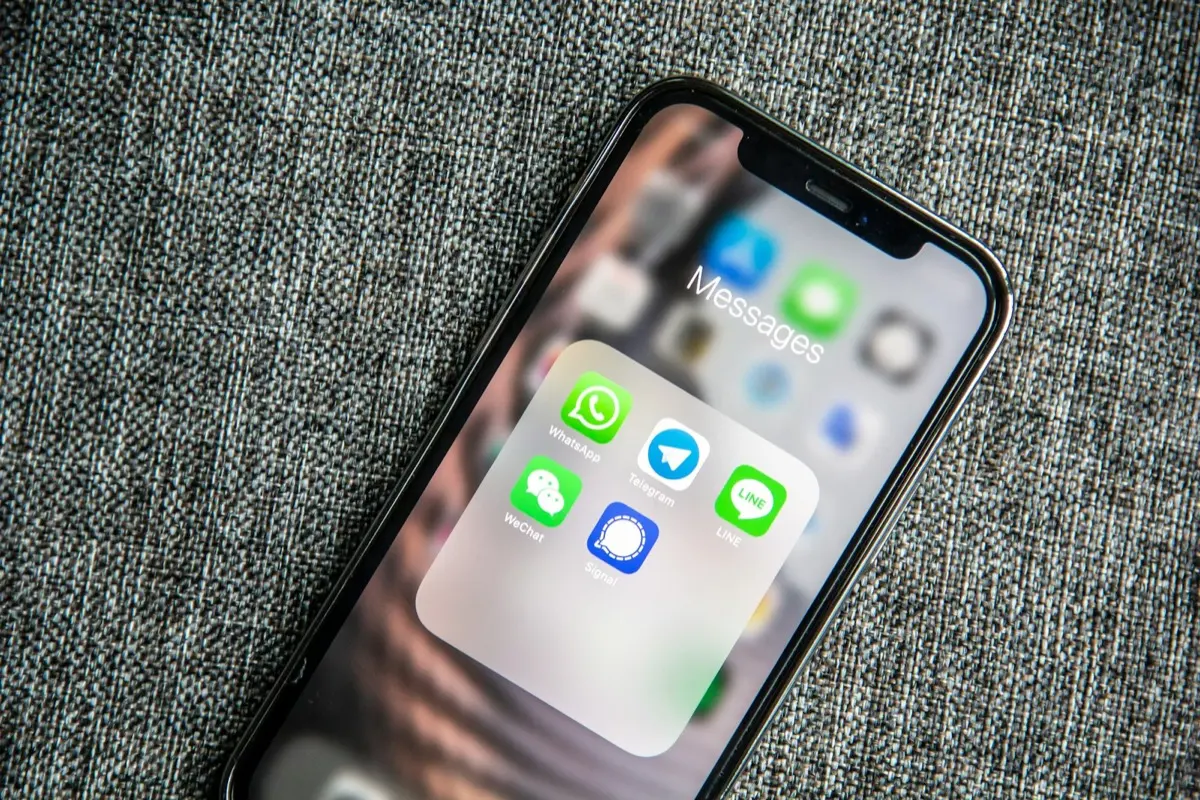
In most of Southeast Asia, Latin America and southern Europe, WhatsApp is not a support channel - it is the channel. Customers do not fill in contact forms. They send a voice note at 9pm asking whether you are available on Saturday. The businesses that win are the ones that answer immediately, every time, without hiring a night shift.
Start with the message log, not the tooling
Before choosing a platform, export the last 300 conversations and cluster them. In every project we have run, 70 to 85 percent of inbound messages fall into fewer than eight intents: availability, pricing, location, booking change, delivery status, technical issue, invoice request, and general curiosity. That distribution is your specification.
The architecture that works
- WhatsApp Business API as the transport layer - not a phone in a drawer running an unofficial bridge, which risks a permanent ban.
- An intent classifier that routes each message, with an explicit low-confidence path.
- A response layer grounded in your real catalogue, pricing rules and calendar - never invented from the model's general knowledge.
- A handover protocol that moves the conversation to a human with full context, and freezes automation for that thread.
- A shared inbox so your team sees the same history the customer sees.
Handover: the part everyone gets wrong
The failure mode is not a wrong answer - it is a loop. A customer asks something outside the script, the bot repeats a menu, the customer rephrases, the bot repeats again, and a warm lead becomes a bad review. Set a hard rule: two consecutive low-confidence turns, an explicit request for a human, or any message containing a complaint or refund keyword triggers immediate escalation.
Equally important is the reverse path. When the human is done, the thread should return to automation for follow-ups, reminders and confirmations, without the customer needing to explain anything twice.
Sounding human without pretending to be one
- Disclose the assistant once, at the start, and never lie about it if asked.
- Match your actual brand voice - read ten of your best replies aloud and write the prompt from those.
- Keep replies to two or three short paragraphs; WhatsApp is a phone screen, not an email client.
- Answer the question first, then offer the next step. Never lead with a menu.
- Add a natural typing delay: instant replies to complex questions read as canned.
What to measure
- 80%+ conversations resolved without a human
- <60s median first response, day or night
- <3% escalations caused by bot confusion
Track containment rate alongside customer satisfaction, never alone. A bot can reach 95 percent containment simply by being hard to escape, which destroys the relationship while the dashboard looks excellent. The pairing of the two metrics is what keeps an automation honest.
The compliance basics
Outside a 24-hour customer service window, WhatsApp only permits pre-approved template messages, and marketing templates require opt-in. Build consent capture into the first interaction and keep the record. The penalty for ignoring this is not a fine - it is losing the number your entire customer base has saved.
What it actually costs to run
WhatsApp is not billed like email. Meta charges by conversation category, and the rate depends on the country you are messaging. Conversations the customer starts, answered inside the service window, are the cheap ones. Anything you initiate afterwards uses a template in a paid category, and marketing templates cost the most in every market.
- Meta's own per-conversation or per-message charge, which varies enormously by country. Model it on your actual traffic mix, not on a headline rate.
- A business solution provider fee on top, either a monthly platform charge or a markup per message. Compare providers on the markup, not the landing page.
- Your own hosting and model costs if the assistant classifies and drafts, which at ordinary support volumes stay small next to the messaging fees.
- The work nobody quotes: writing and getting templates approved, and rewriting the ones Meta rejects.
The practical consequence is a design rule, and it shapes how we build WhatsApp automation. Resolve inside the service window whenever you can, because a conversation continued there costs a fraction of one you have to reopen with a template two days later.
What gets a number restricted, and how to avoid it
- Driving a normal WhatsApp account with an unofficial bridge. It works until it does not, and the ban is on the number your entire customer base has saved.
- Messaging people who never opted in. Every block and report lowers your quality rating, and a low rating cuts your daily messaging limit before anyone at Meta talks to you.
- Dressing marketing as a service message. Category is enforced, and repeated misuse costs you template approvals.
- Sending the same template to a large list on day one. Warm up gradually, watch the read and block rates, and stop the send if they move.
- Making the exit hard. A customer who cannot reach a human blocks the number, which is the most expensive form of feedback available.
Where it plugs into the rest of the stack
- The CRM, so every conversation lands on the customer record and the next person sees the history without asking for it.
- The calendar, so availability answers come from real slots and a confirmed booking writes itself in.
- Payments, so a quote or deposit goes out as a link in the thread rather than as a separate email nobody opens.
- Order or delivery status, which is usually the single highest-volume intent and the easiest one to answer without a human. When the same questions arrive on the website instead, it becomes the chatbot or live chat decision.
Frequently asked questions
Do I need the official WhatsApp Business API?
For any serious automation, yes. Unofficial bridges that drive a normal WhatsApp account violate the terms of service and regularly result in permanent bans - usually of the number your customers already have saved, which is close to unrecoverable.
Will customers be annoyed by an automated reply?
Not if it answers their question. Frustration comes from bots that loop, hide the exit or pretend to be human. A disclosed assistant that resolves an availability question in ten seconds outperforms a human who replies four hours later.
How long does a WhatsApp automation take to build?
A well-scoped implementation covering the top five to eight intents, with CRM logging and clean handover, typically takes three to five weeks including the API verification process, which is often the slowest step.
Can several team members share one WhatsApp number?
Yes, through the Business API with a shared inbox: assignment, internal notes and a visible history, with the automation pausing on a thread while a human owns it. What you cannot do is have several people using the same number in the consumer app on their own phones. The shared inbox is also what makes handover work, because the person taking over reads what the assistant already said.
What about voice notes?
Transcribe them and treat the text like any other message. In markets where WhatsApp dominates, voice is a large share of inbound and often the most valuable, because customers say more in forty seconds than they type in four lines. Keep the audio attached to the record, since transcription of accents, background noise and product names is imperfect and someone will need to check.
More on this topic: Automation.
Keep reading
Want this built for your business? See what we do.